6 min readBy JJ Eaton
How many people can share one local AI setup? My DeepSeek numbers
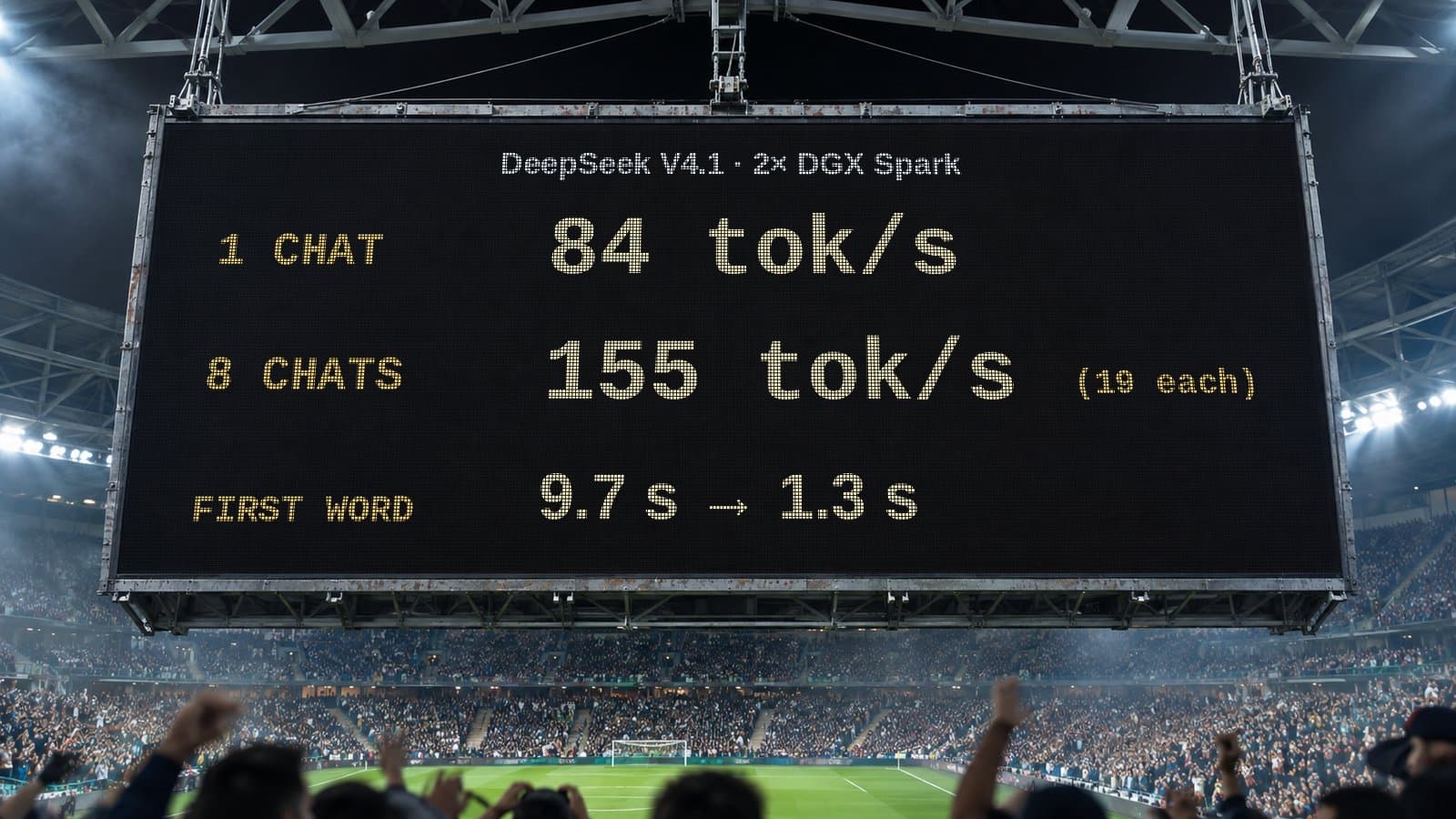
One chat on two DGX Sparks gets 84 tok/s. Eight at once share 155 tok/s. What that means when you plan local AI for a whole team, not just one person.
Most local AI benchmarks you see online answer one question: how fast is it for one person? That is a useful number, but it is not the one a business needs. If you are putting a model on your own hardware for a team, the real question is what happens when several people use it at the same time.
This weekend I posted an update to my recipe for running DeepSeek V4.1 Flash on two NVIDIA DGX Spark machines, and this time I measured exactly that. The results are a good lesson in how to plan local AI capacity.
The numbers
Here is what the setup does today.
One person at a time (single stream):
- 84 tokens per second on code
- 61 tokens per second on chat
Several people at once:
- 4 chats at once: 135 tokens per second in total, about 34 for each chat
- 8 chats at once: 155 tokens per second in total, about 19 for each chat
A token is roughly a word or part of a word, so 19 tokens per second is still faster than most people read. 84 tokens per second feels close to instant.
What those numbers actually say
Two things stand out.
Total output goes up, but each person's share goes down. Going from one chat to eight nearly doubles the total amount of work the machines do (84 to 155 tokens per second). But each individual chat drops from 84 to 19. The hardware gets more efficient when it is busy, and each user gets a smaller slice. That trade-off is normal for this kind of system, and it is the thing you have to plan around.
Waiting for the first word matters more than raw speed. In the configuration I run today there are 4 slots, which means 4 chats can be processed at the same time. When chats 5 to 8 arrive, they wait about 10 seconds before the first token appears. In a configuration with 8 slots, that wait drops to about 1.3 seconds.
Ten seconds of nothing on screen feels broken to most people, even if the answer is fast once it starts. 1.3 seconds feels fine. So the number of slots, not just the tokens per second, decides whether your team thinks the tool is good.
The catch with more slots
More slots are not free. Right now, when I set the system up for 8 chats at once, the context window is limited to 128k. The context window is how much text the model can hold in mind at once: the conversation, any documents you paste in, and any code it is reading.
For short questions and everyday chat, 128k is plenty. For long documents or large codebases, you may want the bigger window and fewer people at once. I am working on a dynamic 8-chat mode so the system can adjust, along with more multi-stream improvements, but today it is a choice you make when you configure it.
Being honest about speedups
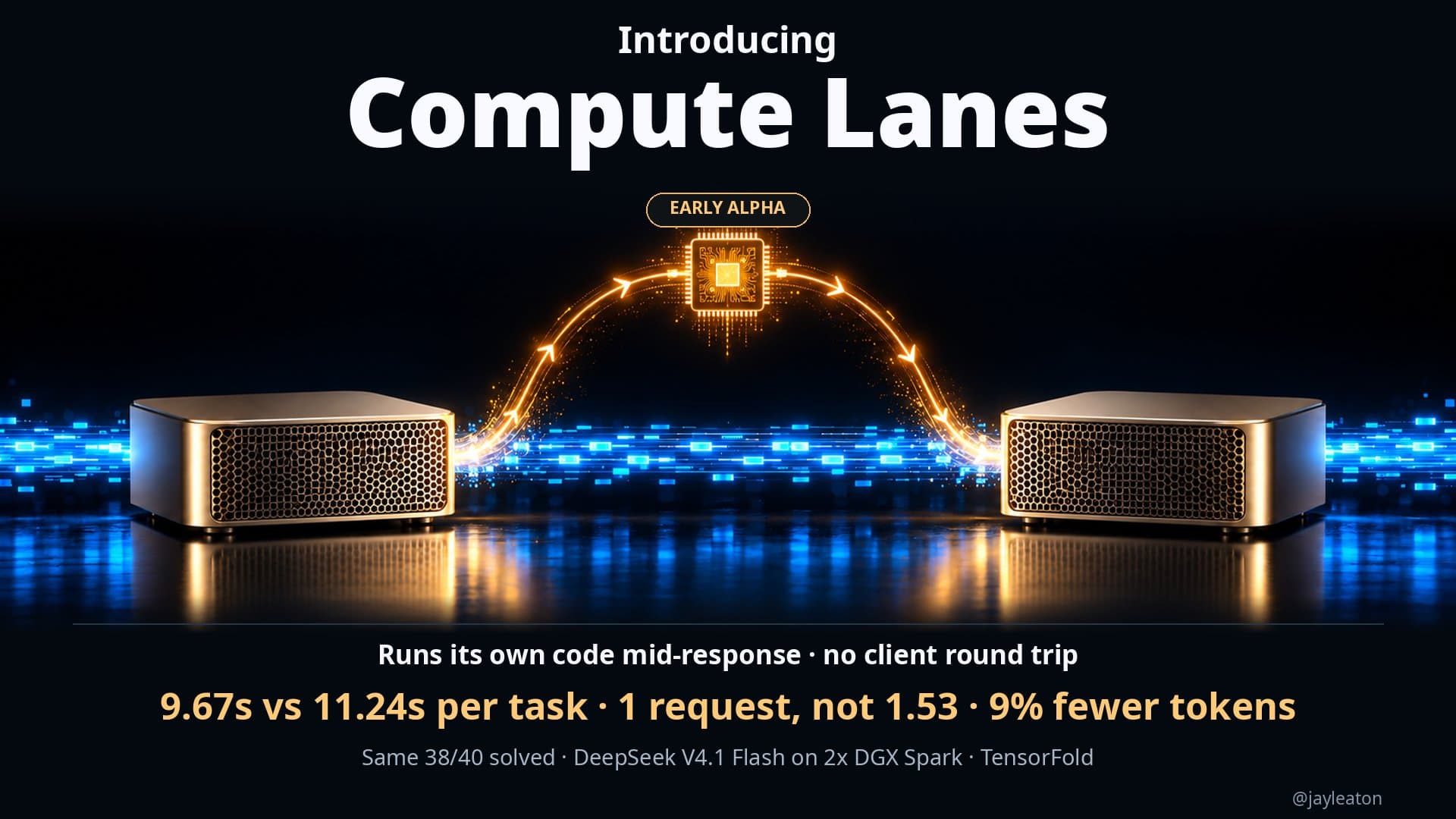
In the same update I made about 8 stability fixes for Compute Lanes, the technique I have written about before that lets the model run code while it is still answering. It should feel a bit more consistent now.
I also want to be clear about where it helps. Some people do not notice much of a speed improvement from Compute Lanes, and that is expected. It has a big impact on heavy maths and compute tasks. In normal coding workflows the improvement is smaller, around 5 to 8 percent.
That is a good rule for any AI performance claim, mine included: ask which kind of work the number was measured on, and whether that matches the work your team actually does.
What this means for a business
If you are thinking about running AI on your own hardware so your data stays in-house, here is how I would use these results.
Plan for your busiest moment, not your average. A team of 20 rarely has 20 people prompting at the same second. But if your morning stand-up ends and eight people all ask the model something, that peak is what they will remember. Estimate how many people will realistically use it at the same time, and size for that.
Decide what "fast enough" means before you buy. For chat and drafting, around 20 tokens per second per person with a first word in a second or two is comfortable. For coding agents that read and write a lot of text, you will want more per person. Agree on the target first, then check the hardware against it.
Choose between more people and bigger context. If your main use is long contracts, reports or a large codebase, you may want fewer slots with a larger context window. If it is lots of short questions across a team, more slots with a smaller window is the better fit. This is a configuration choice, and it can be changed as you learn how people use it.
Measure your own workload. Benchmarks on maths problems, coding and chat all give different numbers. The only number that really counts is the one measured on your own tasks, with your own documents, at your own busiest hour.
Count the whole cost. Two desktop machines serving a small team at once, with no per-token bill and no data leaving the building, is a very different cost and privacy picture to paying per seat or per token in the cloud. It is not right for everyone, but for teams with sensitive data it is now a realistic option.
Where to start
If you are weighing up local AI for your team and want to know how many people a setup can really serve, that is exactly the kind of question we work through in a Build Things AI readiness audit: which workflows to start with, what speed they need, and whether local hardware or a cloud service makes more sense. I am based in Perth, Australia, and work with companies anywhere.
Sources
Related articles
5 min read
When an AI speedup helps and when it doesn't: my compute lanes results
My local DeepSeek setup got 6.3s replies instead of 26.9s with 78% fewer tokens on computation tasks, and no gain on standard benchmarks. Here's why.
5 min read
Letting a local AI model run code while it's still answering
I gave my local DeepSeek setup a way to run code mid-response. Same 38 of 40 coding tests solved, 16% faster overall, with fewer requests and tokens.

5 min read
AI is going to get more expensive. Here's how I'm planning for it
Cloud AI prices and hardware costs are likely to rise. How I match models to tasks and move work to local AI so my business isn't caught out.