5 min readBy JJ Eaton
AI is going to get more expensive. Here's how I'm planning for it
Cloud AI prices and hardware costs are likely to rise. How I match models to tasks and move work to local AI so my business isn't caught out.

The AI companies behind the big cloud models will need to start showing a profit at some point. When that happens, I expect prices to go up and usage limits to get tighter.
Mark Kashef put it well recently: people who complain about usage limits today will be kicking themselves in 6 to 12 months. I agree. So I am moving as much of my own workflow to local AI as I can, and I am being much more deliberate about which model does which job.
Here is how I am thinking about it, and what I would suggest to any business that now depends on AI day to day.
How much AI I actually use
To give you a sense of scale, here are my average daily numbers over a recent seven-day stretch, while my AI kept running 24/7 in the server rack at home:
- 3 to 5 billion tokens through Opus 5.5 (a cloud model)
- 150 million tokens on my own DGX Spark machines
- 75 pull requests across 5 projects
- 4 production deployments
Most of that volume still goes through a cloud model. That is exactly why price changes matter to me. If the cost per token or the usage limits shift, it hits a workload like this straight away. Your business may use far less, but if AI is now built into your daily work, the same risk applies.
Not every task needs the newest model
Every time a new top model comes out, the temptation is to switch everything over to it. Fable 5.2 has just come out. It seems like an amazing model, but I don't think most people should use it for everything.
Opus 5.5 is still very good when you give it specific, complex tasks, and in my use it gets you around 20% more usage each week. Sonnet 5.5 is very good at some tasks, especially things like generating slides and editing videos or animations, and it can do well on coding too. It saves around 35% more usage each week.
So my plan is to keep Opus and Sonnet as my everyday models, and only bring in the newest one for really complex optimisation passes or tricky bug triage, when the others get stuck.
The lesson for a business is simple. Match the model to the job. The most capable model is often the most expensive one to run, and it burns through your limits faster. If a cheaper model does the task well, use it, and keep the expensive one for the problems that need it.
Why I'm betting on local AI
I keep thinking about where AI goes over the next five years. Here is my bet.
Hardware to run AI yourself will keep getting more expensive. Faster boxes and bigger models, and I don't see that changing any time soon. Prices are already moving. Here in Bangkok, the DGX Spark has gone up 40% in the last few weeks.
300 to 400GB of memory becomes the middle ground. I think that is the sweet spot for cost versus performance: enough to run real models with great performance without buying a whole rack.
Local and self-hosted AI still grows through all of that. I think it ends up with a large share of businesses and enthusiasts, because more and more people want the model on their own hardware.
Cloud models get better, but also more expensive and more locked down. If you are not using local AI over the next five years, the models you rent will certainly improve. They will also cost more, and the providers will decide more about what the model will and won't do for you.
I also think we are close to models at the level of Opus 5.5 running at home. Once the price of doing that comes down, I think that level will be where most people say "good enough".
What this means for your business
You don't have to buy a rack of servers tomorrow. But it is worth planning now, while prices are still low.
Know what you are using. Look at which tools and models your team uses, roughly how much, and what it costs. You can't plan for a price rise if you don't know your baseline.
Assign models by task. Write down your main AI tasks and pick the cheapest model that does each one well. Keep the top model for the hard problems. This is the easiest saving available, and it also protects you when limits tighten.
Don't lock yourself into one provider. If your workflows only work with one company's model, any change to their pricing or rules becomes your problem. Build things so you can swap the model underneath.
Work out what could run locally. Some work suits your own hardware well: steady, repetitive jobs, and anything involving data you would rather not send to a third party. Running it yourself gives you fixed costs, more privacy and more control over how the model behaves.
Buy hardware with a plan, not on impulse. Prices are rising, so it pays to know what you need before you buy. A machine sized for the models and workloads you actually run is a better investment than the biggest box you can afford.
Where to start
If AI is becoming a real cost in your business, a sensible first step is to map where it is used, what it costs, and which parts could move to cheaper models or to your own machines.
That is what we work through in a Build Things AI readiness audit. We look at your workflows, your data and privacy needs, and whether local AI makes sense for you. I am based in Perth, Australia, and work with companies anywhere.
I will keep sharing what I learn as I move more of my own work local, including what it costs and what works.
Sources
Related articles
6 min read
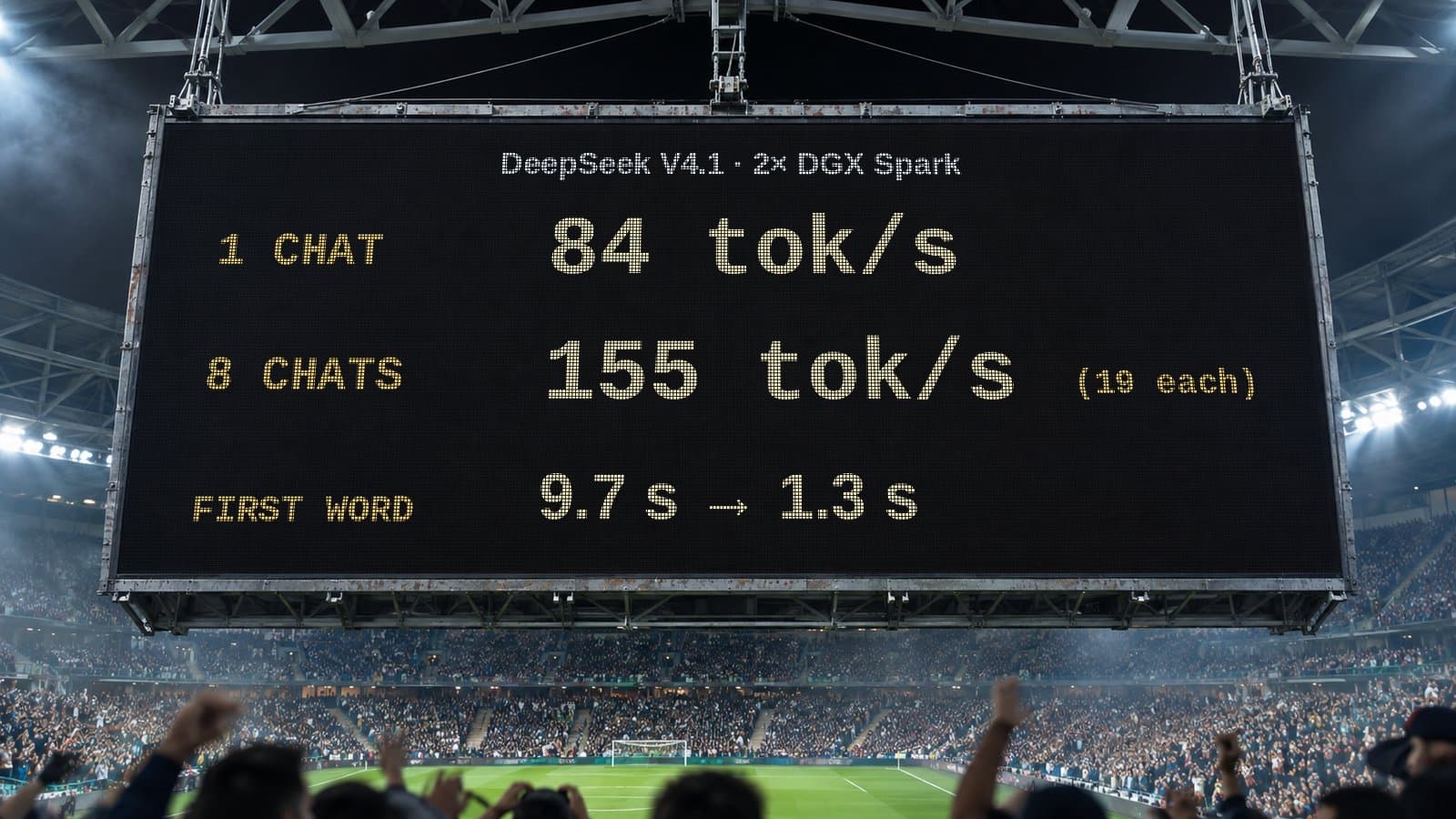
How many people can share one local AI setup? My DeepSeek numbers
One chat on two DGX Sparks gets 84 tok/s. Eight at once share 155 tok/s. What that means when you plan local AI for a whole team, not just one person.
5 min read
When an AI speedup helps and when it doesn't: my compute lanes results
My local DeepSeek setup got 6.3s replies instead of 26.9s with 78% fewer tokens on computation tasks, and no gain on standard benchmarks. Here's why.
5 min read
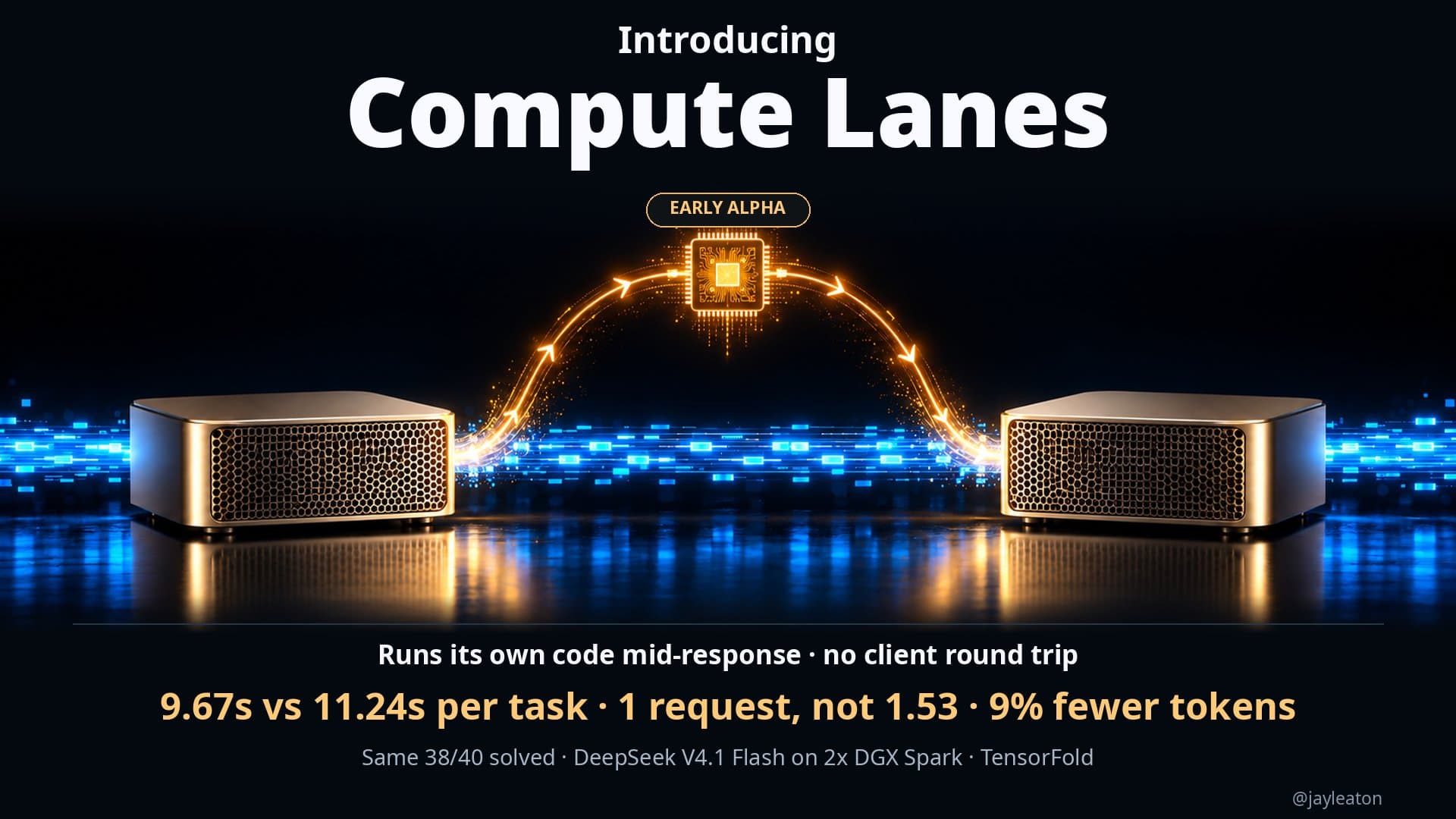
Letting a local AI model run code while it's still answering
I gave my local DeepSeek setup a way to run code mid-response. Same 38 of 40 coding tests solved, 16% faster overall, with fewer requests and tokens.