5 min readBy JJ Eaton
When an AI speedup helps and when it doesn't: my compute lanes results
My local DeepSeek setup got 6.3s replies instead of 26.9s with 78% fewer tokens on computation tasks, and no gain on standard benchmarks. Here's why.
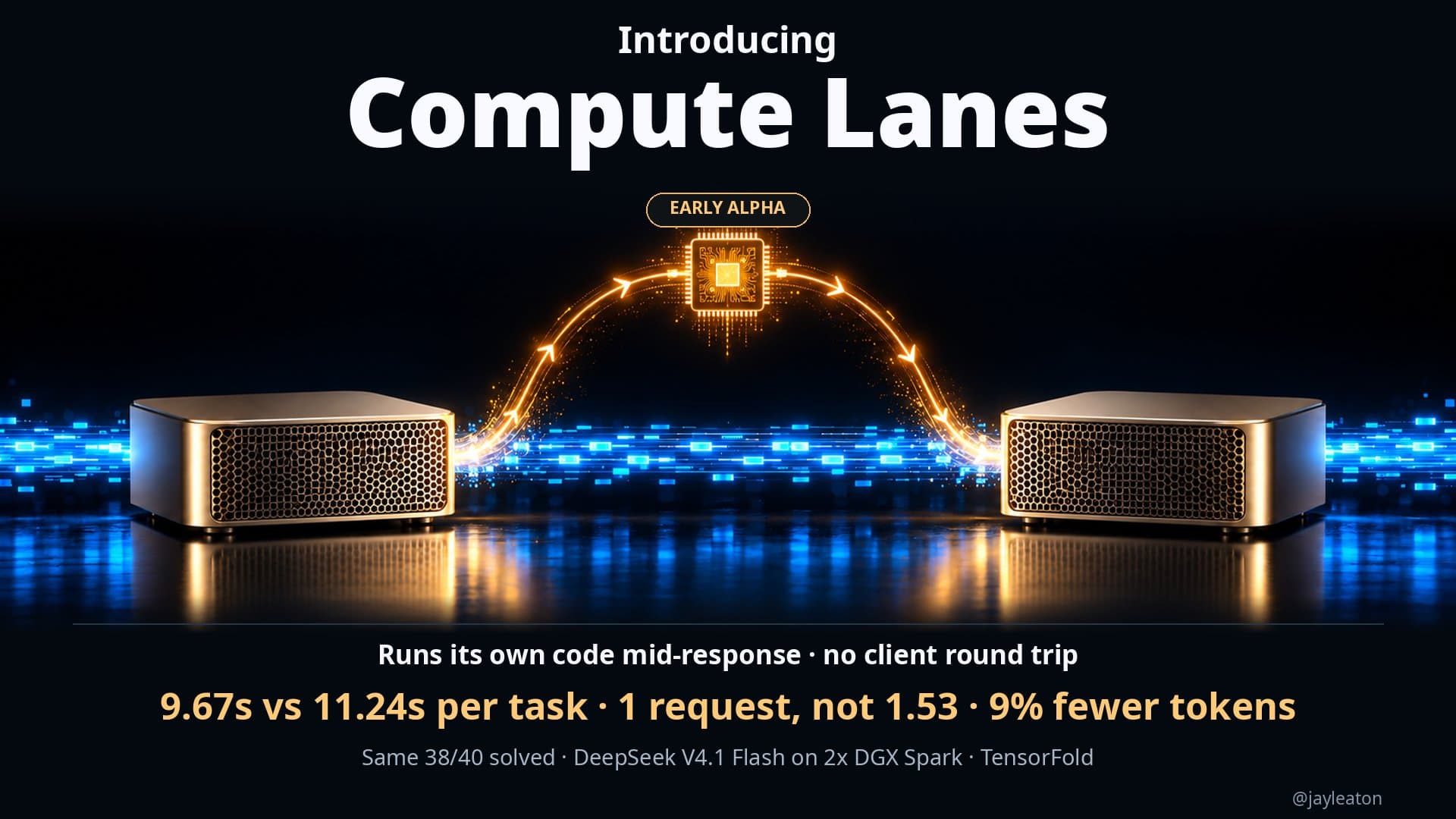
Last week I shared an early version of Compute Lanes, a feature I added to my DeepSeek recipe that runs on two NVIDIA DGX Spark desktop machines. This week I have a much fuller set of results, and the most useful part for business owners is not the headline number. It is that the feature helped a lot on some tasks and did nothing on others. That split tells you how to judge any AI speedup claim, including ones you get from vendors.
A quick reminder of the idea
Normally, when an AI model needs to calculate something or run a bit of code, it has two options. It can guess the answer by writing out more reasoning, which costs tokens. Or it can stop, hand a tool request back to the software around it, wait for the result and start again, which costs time.
Compute Lanes takes a third route. The model writes the code or the math problem, and the inference engine runs it on the machine's CPU cores while the model is still working. There is no round trip back to the surrounding software. Because the model can do this inside its thinking, it also tends to need fewer turns to reach the right answer.
I am pushing the limits of the hardware already, so I wanted improvements that did not need any more of it. This was the idea that fit.
What I found
Across the last few days I tested this in a few ways.
Generated tasks that need real computation. Both setups, with and without Compute Lanes, got 60 out of 60. So accuracy was identical. The difference was effort:
- 6.3 seconds per reply with Compute Lanes, against 26.9 seconds without
- 78% fewer tokens on average
That is roughly four times faster per reply on tasks of that kind.
My original suite of tests. With Compute Lanes switched on, the model solved 5 more problems than it did with them off.
Earlier research results. In my earlier work on complex logic writes, the model solved the problem with 49% fewer thinking tokens. Across benchmarks overall it scored equal or higher while averaging around 23% fewer thinking tokens.
Standard public benchmarks. On GSM8K, MATH-500 and HumanEval, the model never called the tool at all, and scores barely moved.
That last result is the honest part. I do not think it means the feature failed. I think it depends on the model's training. A model only uses a tool if it has learned to reach for it, and on those well-known benchmarks it just answered the way it always has. Compute Lanes helps when a task genuinely needs computation, and it stays out of the way when it does not.
The feature is now merged into my main DeepSeek recipe. There were a few kinks to work out after the merge, and people who tried it reported issues in the pull request, which helped me get it stable again.
What this means for a business
You may never run DeepSeek on DGX Sparks. These lessons still carry over.
Ask where a speedup applies. A claim like "four times faster" is true for the right kind of task and irrelevant for others. My own numbers range from a large gain to no change, depending on whether the work needs real computation. When a vendor quotes a single figure, ask what tasks it was measured on, and test it on your own workload.
Check accuracy next to speed. Both setups got 60 out of 60 on the generated tasks. If the faster option had scored lower, the speedup would have been meaningless. Always compare the success rate before and after.
Tokens are cost. If you pay per token through a cloud API, 78% fewer tokens on a certain type of task is a direct saving. If you run the model yourself, as I do, it means the same hardware gets through more work, so you may not need to buy more of it. Hardware is expensive and getting more so, so squeezing more out of what you have matters.
Owning the engine gives you options. I could build this because I run the whole stack locally and control how the engine handles tool calls. With a hosted model you get the loop the provider gives you. For companies that already keep AI on their own machines for privacy reasons, that control is a second benefit: you can tune the system around your own tasks rather than waiting for a provider to do it.
Measure before you buy. The fact that the model never called the tool on standard benchmarks is a good reminder that results depend on training and on the job. A feature that looks great in one test can be neutral in another. A short trial on your real work will tell you more than any chart.
What I would do next
If you are considering AI agents or local hardware for your business, a sensible first step is to look at where your AI workloads actually spend their time and tokens. If a lot of the work is calculation, data handling or code execution, features like this can make a real difference. If most of it is writing and summarising, the gains may be small, and your money is better spent elsewhere.
That is the kind of question we work through in a Build Things AI readiness audit. We look at your workflows, your data and privacy needs, and whether running models on your own machines makes sense for you. I am based in Perth, Australia, and work with companies anywhere.
I will keep sharing results as the recipe matures, including the ones where a new idea turns out not to help.
Sources
Related articles
5 min read
Letting a local AI model run code while it's still answering
I gave my local DeepSeek setup a way to run code mid-response. Same 38 of 40 coding tests solved, 16% faster overall, with fewer requests and tokens.
6 min read
How many people can share one local AI setup? My DeepSeek numbers
One chat on two DGX Sparks gets 84 tok/s. Eight at once share 155 tok/s. What that means when you plan local AI for a whole team, not just one person.

5 min read
AI is going to get more expensive. Here's how I'm planning for it
Cloud AI prices and hardware costs are likely to rise. How I match models to tasks and move work to local AI so my business isn't caught out.